
Discover the Best Free CMS .NET Options for Your Next Project
- Date
So, you’re looking for a way to build your next website using .NET, but you don’t want to break the bank? That’s totally understandable. The good news is there are some really solid free CMS options out there built on the .NET framework. These platforms give you a lot of power without costing you anything upfront, which is pretty sweet. Whether you’re a seasoned developer or just getting started, finding the right free CMS .NET tool can make a big difference in how smoothly your project goes. Let’s check out some of the best ones available right now.
Key Takeaways
- Several strong, free CMS .NET options exist, offering robust features without upfront costs.
- These platforms cater to various needs, from simple websites to complex enterprise solutions.
- Open-source .NET CMS solutions often provide flexibility and a supportive community.
- Choosing the right CMS depends on project requirements, budget for support, and desired features.
- Utilizing a free CMS .NET can significantly reduce development expenses while maintaining quality.
1. Umbraco
When you’re looking for a .NET-based CMS, Umbraco often pops up. It’s a pretty popular choice, and for good reason. It’s open-source, which means you can get started without any upfront software costs. This makes it really appealing for projects where budget is a concern, but you still need a solid platform. Umbraco is built on the .NET framework, so if you or your developers are already comfortable with Microsoft technologies, the learning curve is usually pretty manageable.
One of the things people like about Umbraco is its flexibility. It doesn’t come with a ton of pre-made themes, which might sound like a downside, but it actually gives you a lot of freedom. You’re not locked into a specific design. This means you can really build something unique and tailored to your needs. It’s written in C#, and it works well with the .NET framework, offering stability for your web development process.
Here are a few things Umbraco offers:
- Multilingual Support: If your website needs to reach a global audience, Umbraco makes it easier to manage content in multiple languages.
- Form Builder: You can create and manage forms directly within Umbraco, and it even has tools to help you analyze the data you collect.
- Extensibility: There are over 1200 third-party packages available, so you can add all sorts of extra features and functionality to your site.
- Developer-Friendly: It’s designed with developers in mind, offering a clean .NET architecture.
While it’s free to use, there are paid options for things like training and support if you need them. Umbraco Cloud is one of those paid services that can simplify development and hosting. It’s a system that’s been around for a while and has a large community behind it, which is always a plus when you’re looking for help or resources. You can find a lot of information and support from the Umbraco CMS community .
It’s worth noting that because Umbraco doesn’t come with many templates, you’ll likely need to build your site from the ground up. This requires more development effort upfront compared to CMS platforms that offer a wide array of ready-to-use designs. However, for those who prioritize customizability and control over their website’s look and feel, this approach is often preferred.
2. Orchard Core CMS
Orchard Core CMS is another solid choice if you’re looking for something free and open-source built on ASP.NET Core. It’s pretty neat because you can manage multiple websites from a single installation, which can save a lot of hassle. You don’t really need special training to get it up and running, and it lets you write reusable code for website templates. This means you can build something once and use it again, saving time down the road.
One of the cool things about Orchard Core is its modular design. This makes it easier to add or remove features as needed, keeping your site lean and focused. It also plays nicely with headless CMS capabilities, meaning you can use it to power content for different platforms and devices, not just a standard website.
Here are a few things that make Orchard Core stand out:
- Modular Architecture : Lets you customize and extend features easily.
- Multi-site Management : Handle several websites from one installation.
- Reusable Templates : Write code once, use it everywhere.
- Headless Support : Deliver content to various channels.
- Community Driven : Benefits from ongoing development and support from its users.
Orchard Core’s flexibility means developers can really tailor it to specific project needs. It’s built with extensibility in mind, so you’re not stuck with a rigid system. This makes it a good option for projects that might grow or change over time.
3. Kentico Xperience
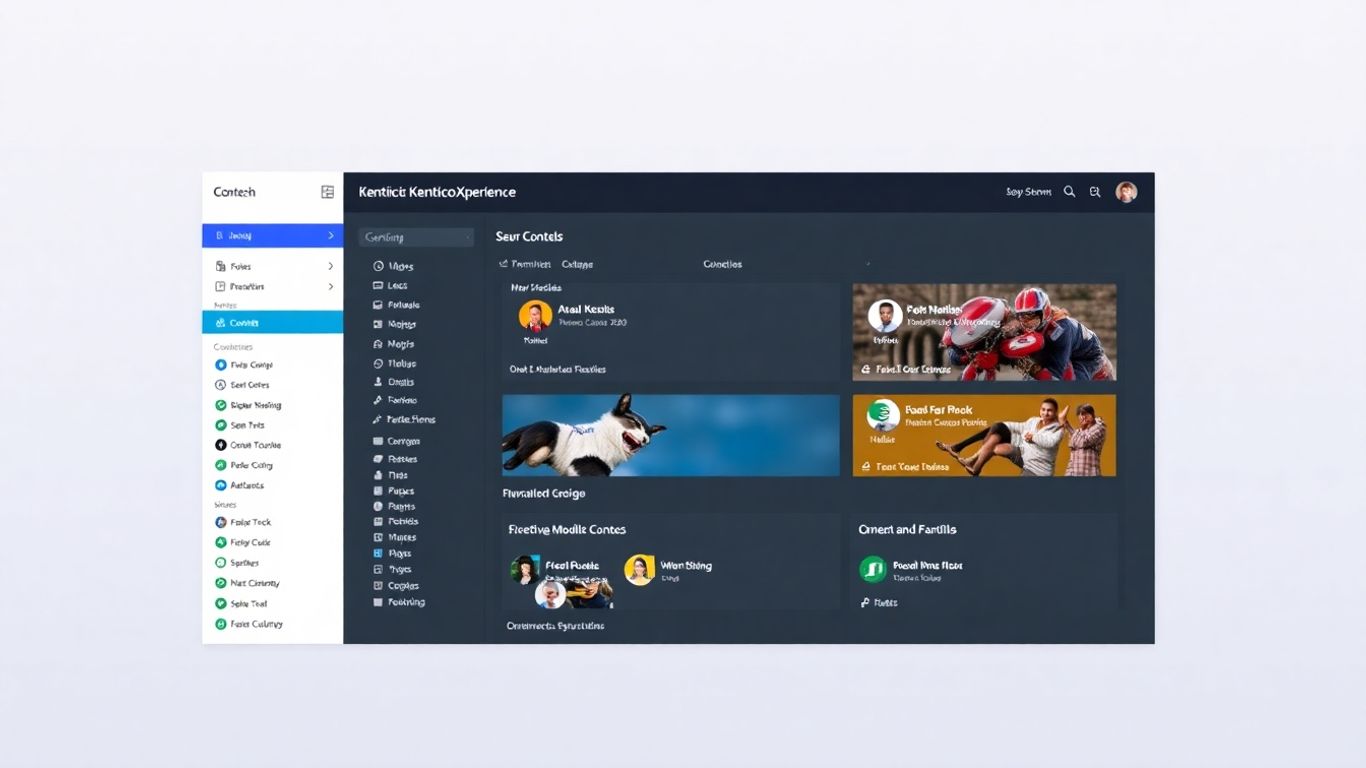
Kentico Xperience is a pretty solid .NET CMS that’s been around for a while. It’s built by Kentico Software, and they’ve packed it with features that aim to make managing websites and online content a lot easier. It’s the kind of platform that tries to bridge the gap between what developers need and what marketers want, which can be a tricky balance to strike.
One of the big selling points for Kentico Xperience is its integrated approach. You’re not just getting a content management system; you’re also getting tools for digital marketing and e-commerce built right in. This means you can handle campaigns, manage customer data, and even run an online store all from one place. It’s designed to be scalable, too, so it can grow with your project, which is always a good thing.
Here’s a quick look at some of its capabilities:
- Integrated Digital Marketing Tools: Think campaign management, email marketing, and social media engagement features. It even uses machine learning for insights.
- E-commerce Capabilities: You can build and manage online stores, which is handy if that’s part of your project.
- Content Personalization: Kentico Xperience can tailor content based on user behavior and demographics, making the experience more relevant for visitors.
- Multilingual Support: Essential for reaching a global audience, it handles multiple languages and websites from a single installation.
- Cloud-Ready Architecture: It’s built with cloud deployment in mind, offering flexibility for hosting.
Kentico Xperience aims to be a comprehensive solution, combining content management with marketing and sales tools. Its focus on integration and scalability makes it suitable for businesses looking for a unified platform to manage their digital presence and drive growth.
4. DotNetNuke (DNN)
DotNetNuke, often just called DNN, has been around for a while and has a pretty big user base, with over a million installations. It’s built on the .NET framework, which is a big plus if you’re already working with Microsoft technologies. They’ve also got a version that runs on .NET Core now, which is good for keeping things modern and ready for the cloud.
DNN is often seen as a solid choice for bigger, more complex projects, like enterprise portals or even government sites. It’s got a lot of features built-in that you might need for those kinds of setups. Think things like integration with Active Directory or LDAP for user management, which is pretty standard in corporate environments. It also supports responsive designs, so your site should look decent on phones and tablets without too much fuss.
One of the things that makes DNN appealing is its marketplace for third-party modules. This means you can often find pre-built solutions for common needs, saving you development time. Plus, they put a decent amount of focus on security, with things like granular permission controls and compliance certifications.
Key Features of DNN:
- AD/LDAP integration: Good for managing users in larger organizations.
- HTML5 responsive skins: Helps with mobile-friendly design.
- Granular permission controls: Lets you manage who can see and do what.
- Third-party module marketplace: Access to extra functionality.
- SOC 2-compliant security: Important for businesses with strict security needs.
While DNN has a long history and a lot of features, it can sometimes feel a bit heavy for smaller projects. It’s definitely geared towards more robust applications where you need that enterprise-level functionality and control. If you’re looking for something super lightweight, you might want to check out other options, but for complex portals, it’s a strong contender.
5. Piranha CMS
Piranha CMS is a pretty neat option if you’re looking for something built on .NET that’s both flexible and modern. It’s open-source and free, which is always a good start, right? What’s cool about Piranha is that it can work as a regular, integrated CMS, or you can use it as a headless CMS. This means you can use it to power your website’s content and also feed content to other applications, like mobile apps, without being tied to a specific front-end. It’s built using Entity Framework Core, which apparently makes it really fast.
One of the things I like is that the developers seem to keep it up-to-date with current tech. You know, so you’re not stuck with something that feels ancient a year later. It’s designed with smaller to medium-sized projects in mind, but it’s got that decoupled architecture that makes it quite adaptable.
Here are a few things that stand out:
- Modern Content Editing: It offers a pretty clean and straightforward way for content creators to do their thing.
- Open-Source & Cross-Platform: Being open-source means no licensing fees, and cross-platform support means it can run on different operating systems.
- Pluggable and Extensible: You can add functionality or customize it without too much hassle.
- Supported by .NET Foundation: This gives it a bit of backing and suggests it’s a project with some stability.
Piranha CMS strikes a good balance between being easy to use for content management and powerful enough for developers to build custom solutions. Its headless capabilities are a big plus for modern, multi-channel content strategies.
6. Sitefinity
Sitefinity is a content management system that’s been around for a while, and it’s built on the .NET framework. It’s developed by Progress Software Corporation and aims to be a pretty modern platform for managing websites. Lots of developers seem to like it, especially those working with newer .NET technologies.
One of the things Sitefinity does well is offer a good mix of features that can help speed up development. It uses a master page concept, which is handy for reusing layouts and making updates across your site easier. Plus, it’s got built-in tools for things like content optimization to help with SEO, and a form builder that uses a drag-and-drop interface, which is always a plus for quick design work.
Here are some of the things you can expect:
- Multilingual Support: If you need to manage content in different languages, Sitefinity has you covered.
- eCommerce Integration: It can be integrated with eCommerce frameworks, saving you time if you’re building an online store.
- Digital Marketing Tools: The platform includes features for managing campaigns, content, and even email marketing.
- Asset Management: You can organize various digital assets like videos, audio files, and PDFs.
Sitefinity tries to balance ease of use with powerful features, making it a solid choice for projects that need a robust CMS without being overly complicated. It’s designed to be scalable, so it can grow with your website’s needs.
While it offers a lot out-of-the-box, it’s worth noting that Sitefinity also has paid versions with more advanced features. The free version might be a good starting point to see if it fits your project’s requirements.
7. MojoPortal
MojoPortal is a bit of a hidden gem in the .NET CMS world. It’s an open-source platform that’s been around for a while, and it’s built using C#. What’s cool about it is that it’s pretty flexible and can handle a good range of website needs, from simple blogs to more complex sites. It’s also known for being mobile-friendly, which is a big plus these days.
One of the things that stands out is its multi-tenant capability. This means you can actually manage multiple websites from a single installation. That can be a real time-saver if you’re handling several projects or clients. It also plays nice with different databases like MySQL, PostgreSQL, and SQL Azure, giving you options.
Here are some of the features you’ll find:
- Contact Forms: Easy to set up for user interaction.
- Google Maps Integration: Useful for location-based content.
- Calendar Functionality: Great for event listings or scheduling.
- eCommerce Support: Basic capabilities for selling online.
- Role and Security Options: Helps manage user access.
MojoPortal is a solid choice if you’re looking for a developer-friendly .NET CMS that doesn’t shy away from features. It’s not as widely known as some others, but it offers a lot of bang for your buck, especially since it’s free and open-source.
8. Sitecore
Sitecore is a big player, especially if you’re looking at enterprise-level solutions. It’s built on the .NET stack, so developers familiar with C#, SQL Server, and .NET will feel right at home. This platform is known for its robust features that handle complex digital marketing needs.
It’s a powerful system designed for large companies and significant websites that need a reliable technology foundation. Sitecore offers a lot of capabilities out of the box, which can save time on development, but it also comes with a steeper learning curve and a price tag to match its enterprise focus.
Key features often highlighted include:
- Cross-channel data analysis support
- Scalability that can handle a lot of traffic and users
- Integrated online marketing tools for site optimization
- Machine learning insights and social media engagement tools
- Integration with Microsoft business applications like Dynamics 365
- Multilingual support and single-source site management
While Sitecore is a very capable platform, it’s important to note that it’s generally positioned for larger organizations with more complex requirements and budgets. Its feature set is extensive, covering everything from content management to advanced personalization and analytics, making it a comprehensive solution for demanding digital experiences.
9. Cofoundry
Cofoundry is an interesting option if you’re looking for a .NET Core framework that doesn’t force a CMS down your throat. It’s built with modularity in mind, meaning you can use its content management tools if you want, or just use the base framework for your own application. This separation between application development and content management is a big plus for me. They focus on code-first tools for building sites and then provide a clean interface for managing the content. It feels like a more developer-centric approach.
Key features that stand out include:
- Modularity and Extensibility : You can really tailor it to your project’s needs.
- .NET Core Framework : Built on a modern and robust foundation.
- Content Management : Optional but well-implemented tools for managing your site’s content.
- Custom Entity System : Lets you define your own content types beyond basic pages.
- Versioning and Drafts : Standard but important features for content workflows.
- REST API : Good for headless or decoupled scenarios.
Cofoundry’s approach separates the development framework from the content management system, offering flexibility for developers who want to build custom applications without being tied to a monolithic CMS structure. It’s designed to be extensible and work with the latest .NET technologies.
It’s an open-source platform, which is always a good sign for community involvement and transparency. If you’re building something custom in .NET Core and want content management capabilities that can be added or removed as needed, Cofoundry is definitely worth a look.
10. Cloudscribe
Cloudscribe is a .NET-based CMS that’s been around for a bit, and it’s got some interesting features if you’re looking for something flexible. It’s built using C# and leverages ASP.NET, so if you’re comfortable in that ecosystem, you’ll feel right at home. One of the things that stands out is its modular design. This means you can pick and choose the components you need, which can make for a lighter, more focused application.
It also supports multi-tenancy, which is pretty handy if you need to manage multiple distinct sites or applications from a single installation. Think of it like having several separate businesses running under one roof, but all managed from the same backend. This can save a lot of hassle and resources.
Cloudscribe also includes built-in identity management, so handling user logins and permissions is part of the package. Plus, it’s got localization features, making it easier to get your content out to different language audiences. It’s an open-source project, which always gets a thumbs-up from me because of the transparency and community potential.
Here’s a quick look at some of its core strengths:
- Modularity: Build only what you need.
- Multi-Tenancy: Manage multiple sites efficiently.
- Identity Management: Built-in user authentication.
- Localization: Support for multiple languages.
While Cloudscribe might not have the flashy marketing of some bigger names, its practical features and open-source nature make it a solid contender for .NET developers who appreciate a more hands-on, customizable approach to their CMS.
Wrapping It Up
So, we’ve looked at a bunch of free .NET CMS options out there. It’s pretty cool that there are so many solid choices available without costing an arm and a leg, right? Whether you’re building something simple or a bit more complex, there’s likely a platform that fits. Think about what you really need for your project – ease of use, specific features, or how well it plays with other tools. Picking the right one now will save you headaches later. Happy building!
Frequently Asked Questions
What exactly is a CMS, and why would I need one for my website?
A Content Management System, or CMS, is like a helpful tool that makes building and updating your website much easier. Think of it as a control panel for your website. You don’t need to be a coding whiz to add new text, pictures, or blog posts. It helps keep your site looking fresh and organized, making it simpler for visitors to find what they need and for search engines to discover you.
Are these free .NET CMS options truly free to use?
Yes, the ones we’re talking about are generally free to download and use. This means you can start building your website without upfront costs for the software itself. Sometimes, there might be paid options for extra support or advanced features, but the core system is free.
Can I use these CMS platforms even if I’m not a super experienced programmer?
Many of these CMS platforms are designed with ease of use in mind. While having some technical know-how can be helpful, especially for customization, most offer user-friendly interfaces that allow people with less coding experience to manage content effectively. Some are even built to be very simple for beginners.
How do these CMS platforms help my website perform better on search engines like Google?
Good CMS platforms usually have built-in features that help with Search Engine Optimization (SEO). This means they make it easier to add things like page titles, descriptions, and keywords that search engines look for. Keeping your website content updated regularly, which a CMS makes simple, also signals to search engines that your site is active and relevant.
What does ‘open-source’ mean when talking about a CMS?
Open-source means the software’s code is publicly available for anyone to see, use, and even change. This often leads to a large community of developers who contribute to improving the software, fixing bugs, and adding new features. It also means you have more freedom to customize the CMS to fit your exact needs.
Can I use these CMS options for different types of websites, like a small blog or a big business site?
Absolutely! The beauty of having a variety of CMS options is that they cater to different needs. Some are lightweight and perfect for simple blogs or personal websites, while others are more powerful and scalable, suitable for large business sites, e-commerce stores, or complex applications. You can choose one that best matches the size and complexity of your project.
